Your home.
Your data.
Your display.
A self-hosted smart display that runs on a Raspberry Pi. 45 modules, a visual drag-and-drop editor, and zero cloud dependency.
Chores, calendar, meals, photos and weather, on a screen the whole family can read from across the room.
Shows your Google Calendar and the Google Photos you choose, next to iCloud, Immich and your own pictures.
- Free and open source
- Raspberry Pi 4 or 5 + any HDMI screen
- Download the image


01 / 22Friday 7:42 AM
Family hub
The all-rounder: digital clock, combined weather, a color-coded week grid, the chore board, trash pickup, and a countdown, all frosted over a mountain-lake photo.
ModulesClock, Weather, Calendar (week), Chore chart (compact), Garbage day, Countdown, Affirmations
More than a dashboard
A full platform for wall-mounted displays. Scheduling, remote control, plugins, OTA updates — not just widgets on a screen.
Plugin System
Build custom modules with the plugin API. Drop them in, register, done.
Remote Control
Wake, sleep, adjust brightness, switch profiles — all from your phone.
Smart Scheduling
Show modules by day and time. Morning news, evening sports, weekend photos.
Profiles
Multiple layouts that auto-switch on a schedule or on demand.
Fullscreen Modes
Calendar, weather, chore chart, meal planner, news and photo frame, each filling the entire display.
Password Protected
Lock the editor with an optional password, plus an allowed-address list so devices on your own network skip the prompt.
Visual Editor
Drag-and-drop canvas. Resize, style, and configure without code.
Zero Cloud
Runs entirely on your network. No accounts, no PII, opt-out anonymous telemetry.
9Weather Providers
Open-Meteo, NOAA, Yr.no, SMHI, Met Office, Environment Canada, OpenWeatherMap, WeatherAPI, Pirate Weather.
OTA Updates
One-click upgrade from the UI. Rollback if anything breaks. Auto-backups.
7Languages
English · Deutsch · Français · Español · Nederlands · Português · Dansk. Switch from Settings.
45 modules and counting
Everything from clocks and calendars to stocks, sports scores, and meal planning. All configurable, all composable.
Now talks to Home Assistant
Beautiful entity cards, area grouping, and tap-to-toggle controls for your Home Assistant instance — installable from the plugin browser. The most-requested feature, finally shipped.
15+ entity domains
Lights, climate, media, covers, locks, sensors, switches — each rendered as a type-aware card, not a row in a table.
Tap to toggle
Lights, switches, scenes, media play/pause, covers — one-tap controls live on the wall display, no app needed.
Zero templates, zero YAML
Pick entities from a visual browser. No Jinja2 strings, no manual icon mapping, no value-replacement arrays.
Now syncs with Garmin and Strava
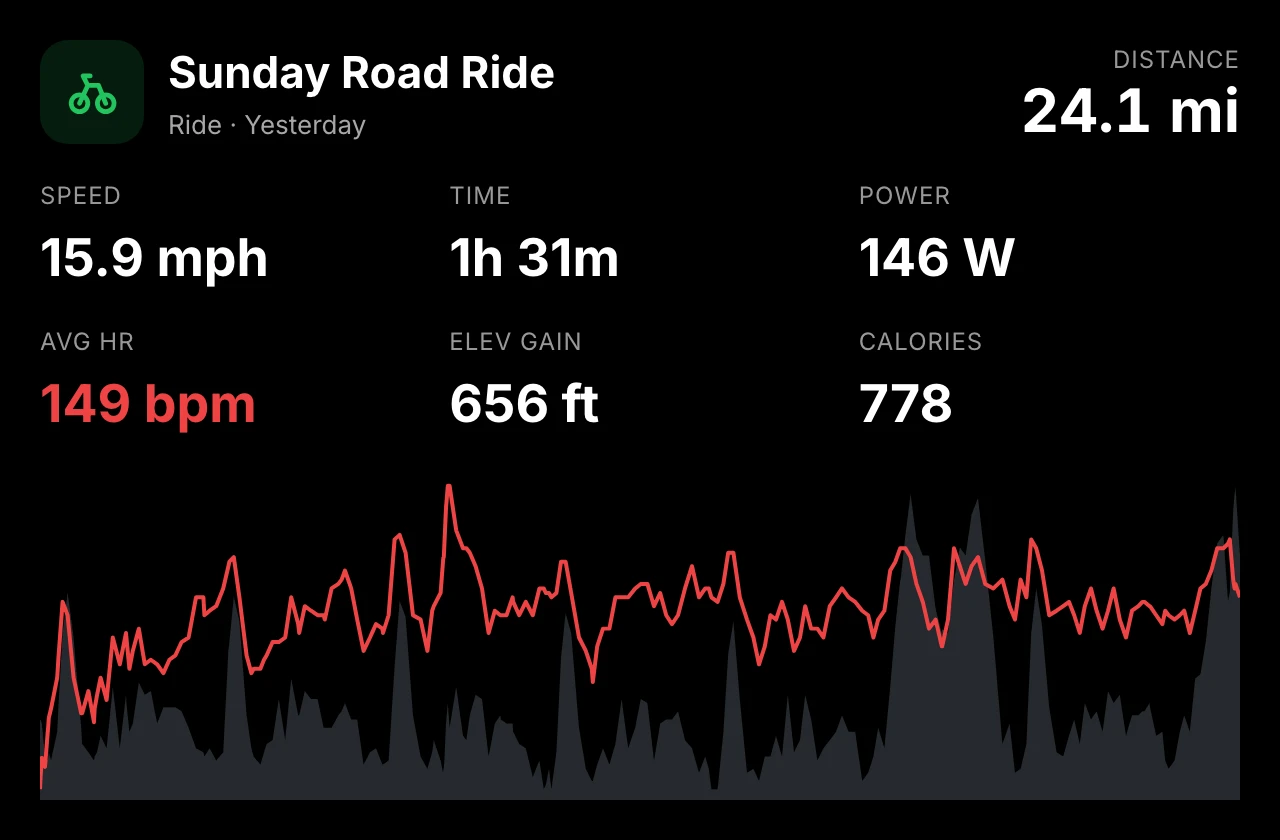
Two new plugins put your runs, rides, sleep, and recovery on the wall. Sign in once from the editor — tokens stay on your hub, and the display never sees your password.
Strava
22 viewsYour Strava life, from one activity to the whole year.

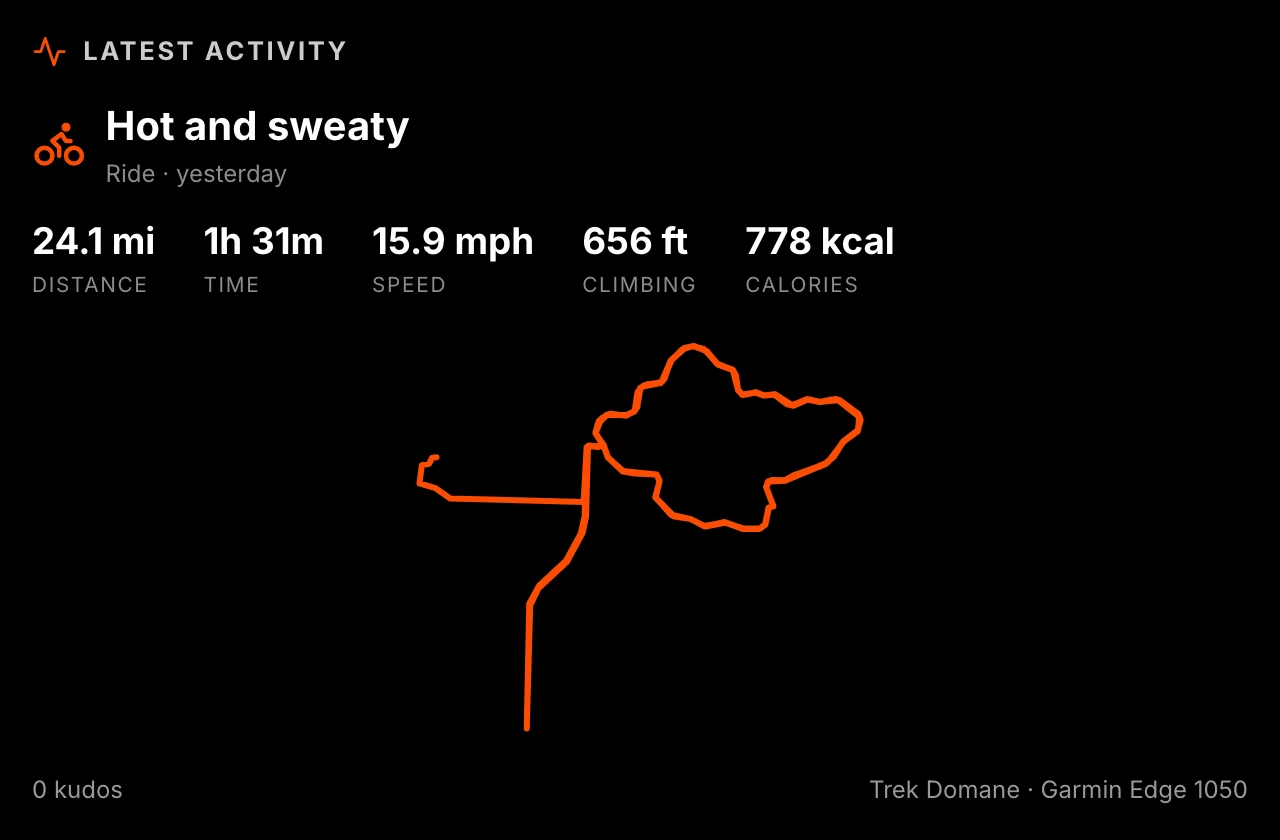
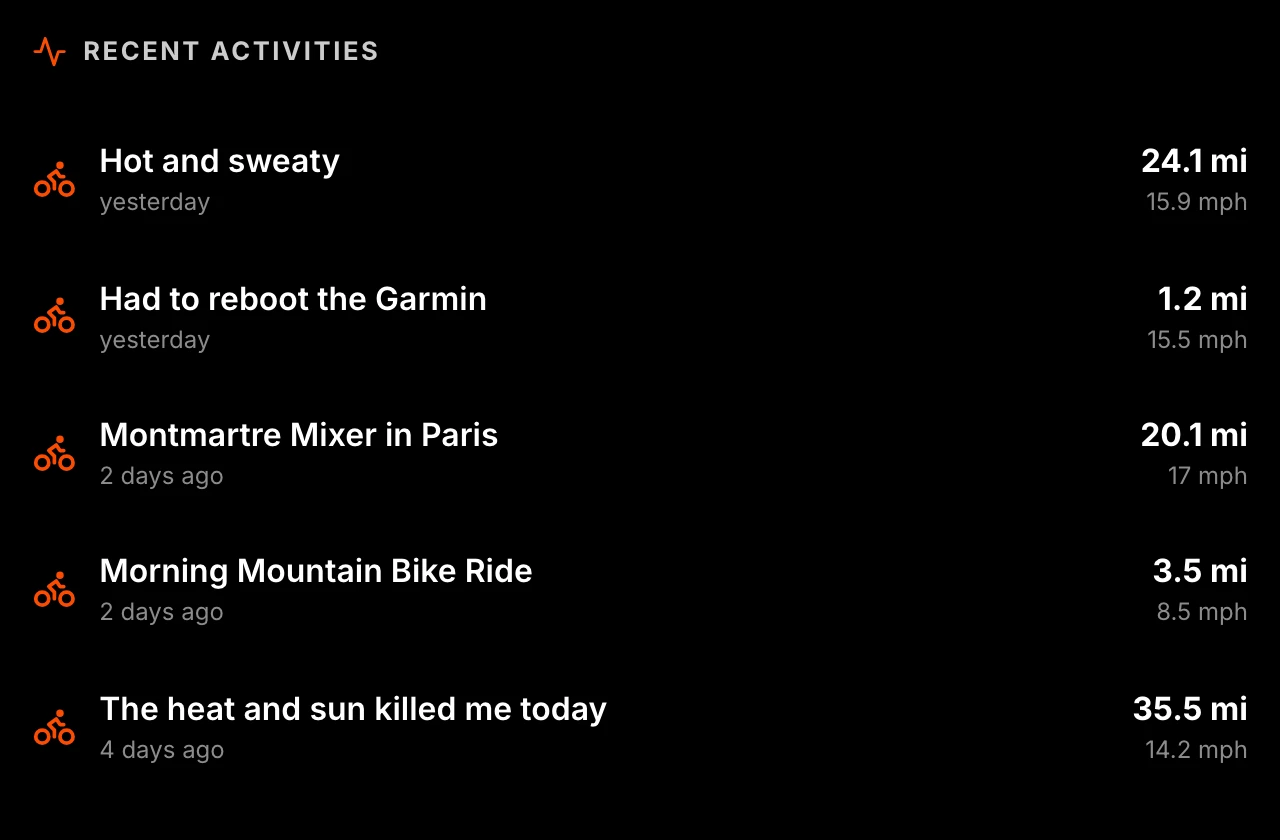
Route art
Recent routes drawn as line art, or a year of them overlaid on one canvas — the places you actually go.
Goals, heatmap, calendar
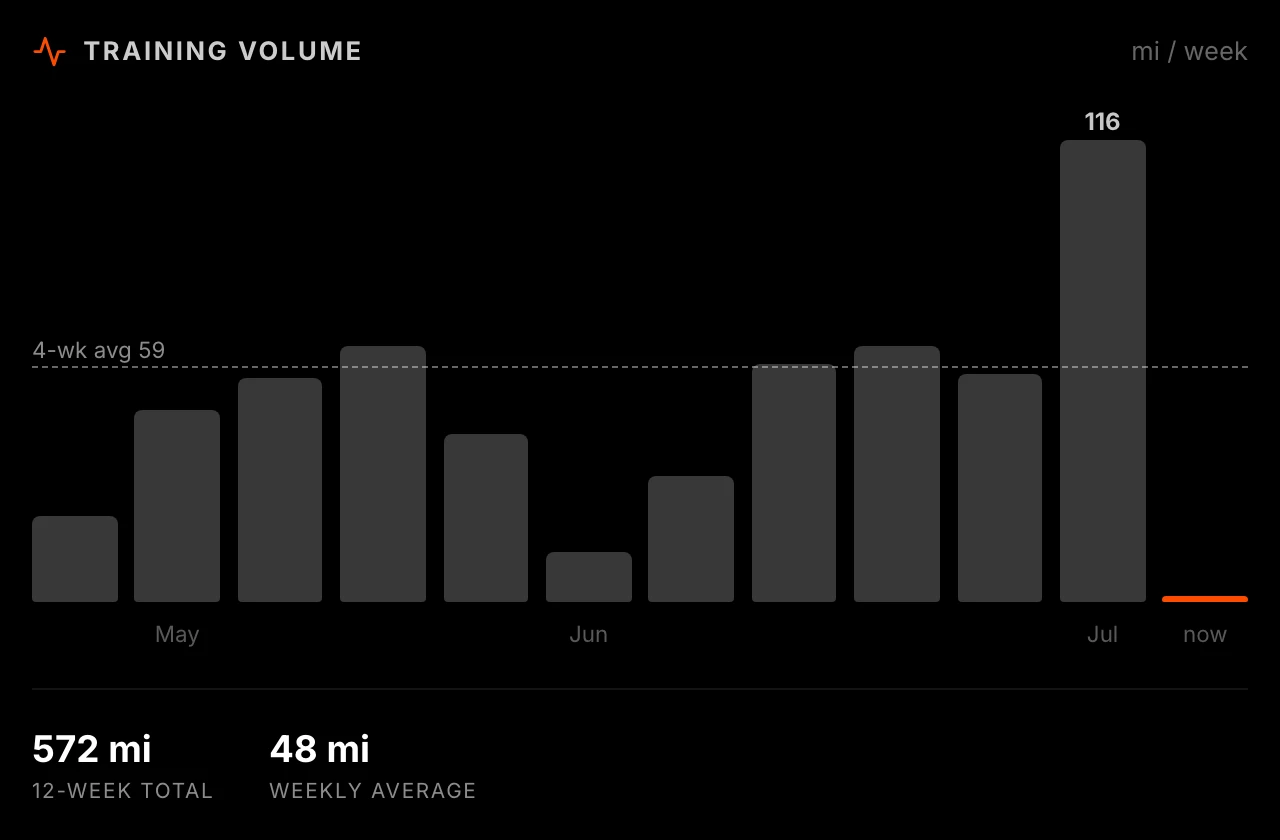
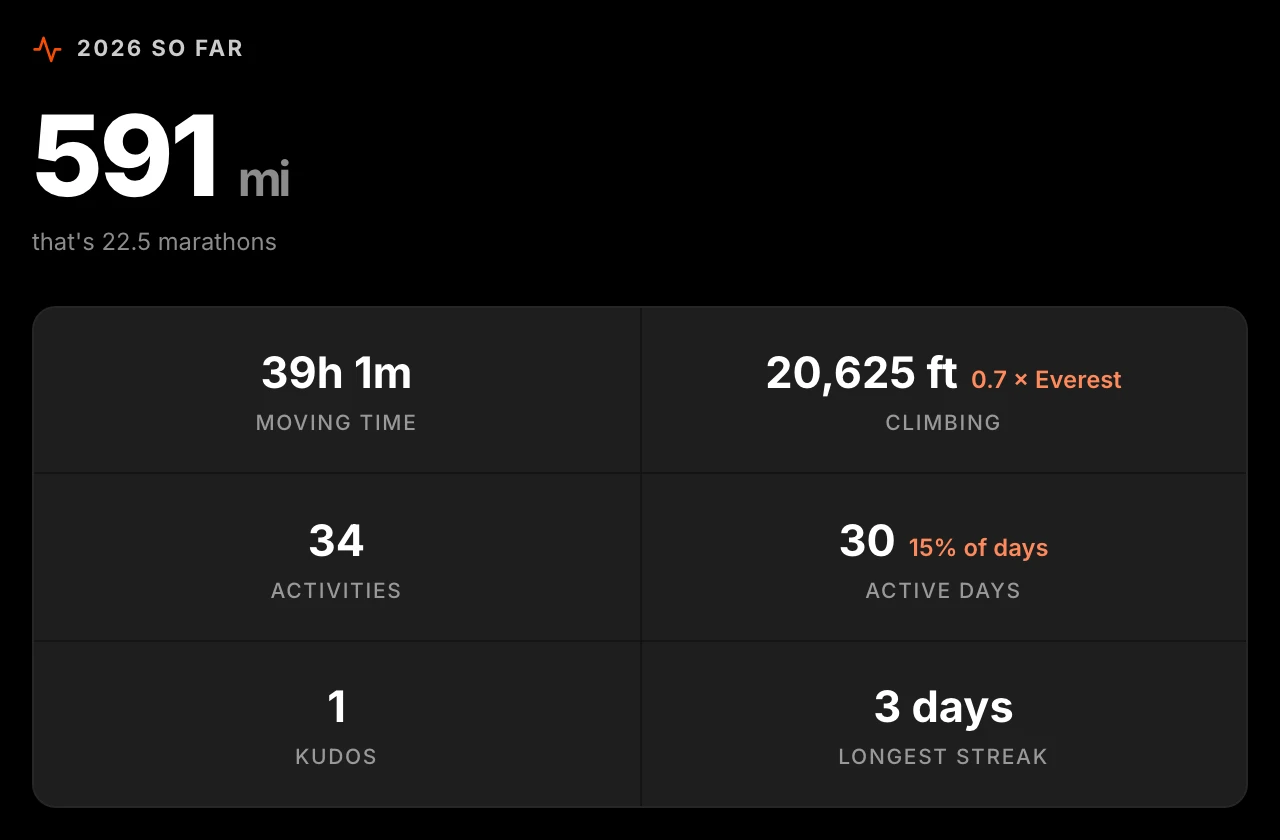
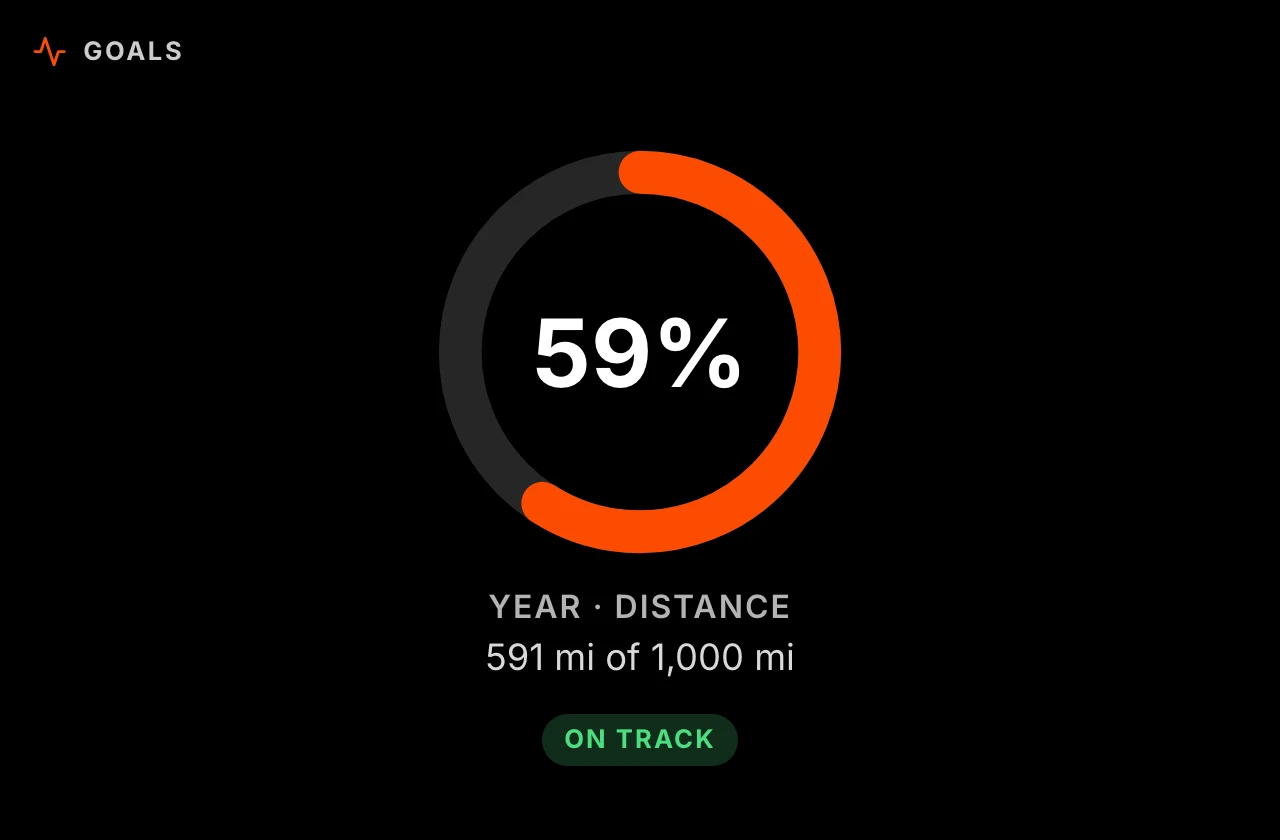
Progress rings for weekly and yearly goals, a 52-week training heatmap, and a month colored by intensity.
The deep cuts
Fitness trend, segment PRs, gear mileage, milestones — even your Eddington number.
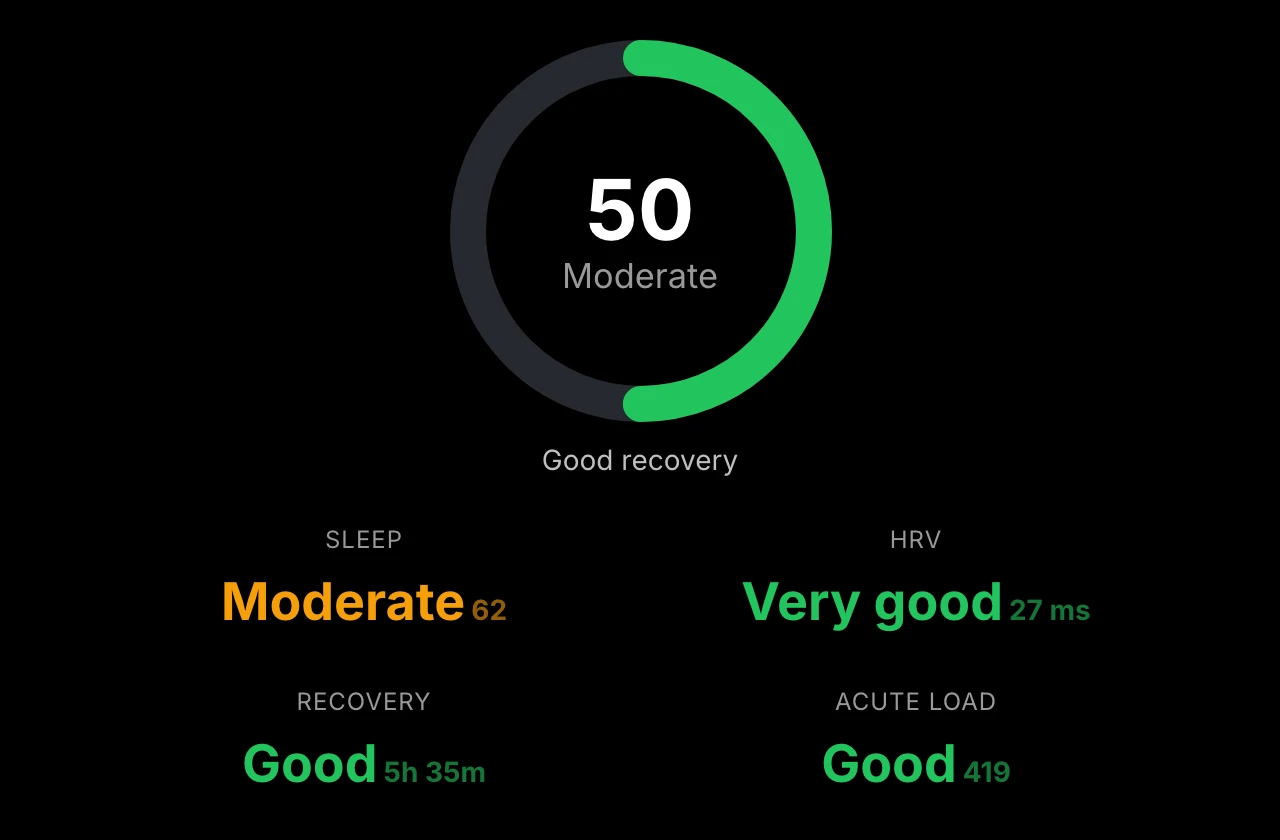
Garmin
14 viewsEverything your watch knows, on the display.

Wellness at a glance
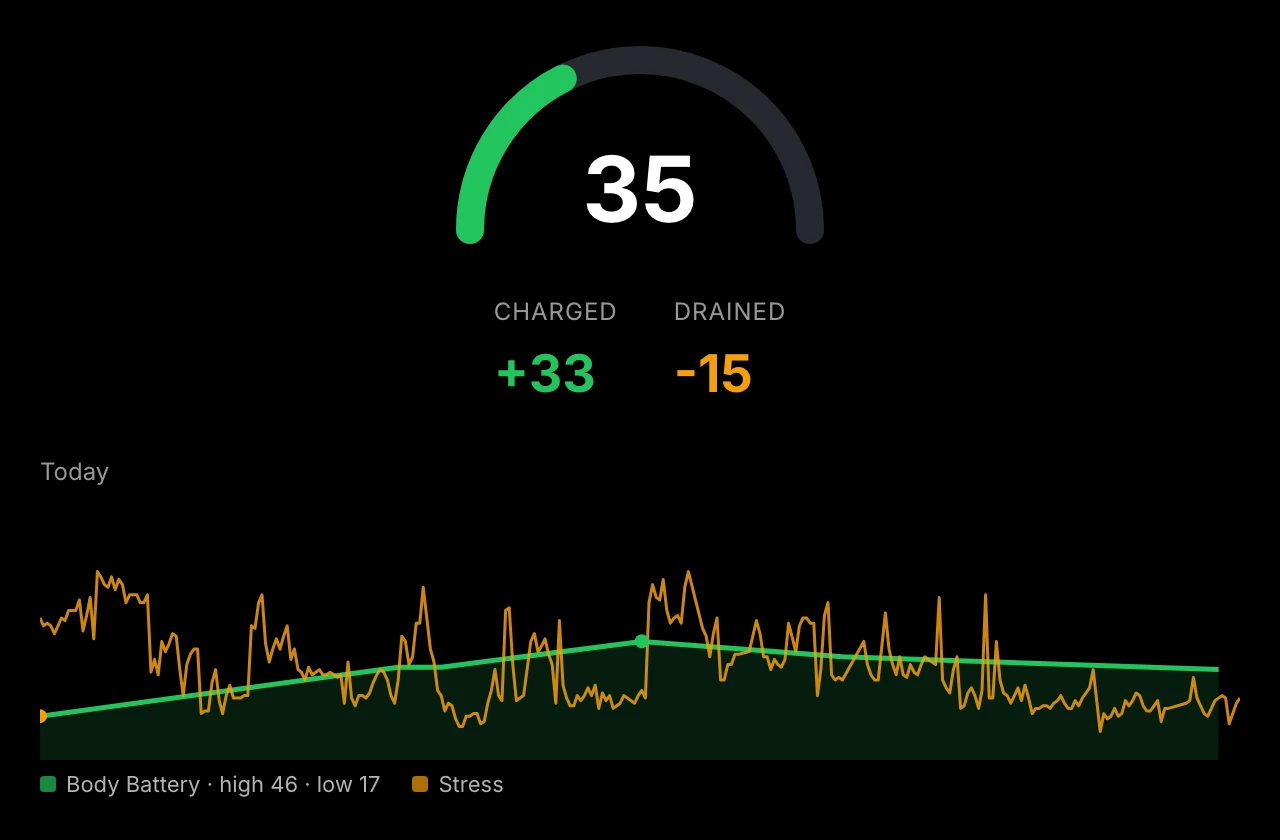
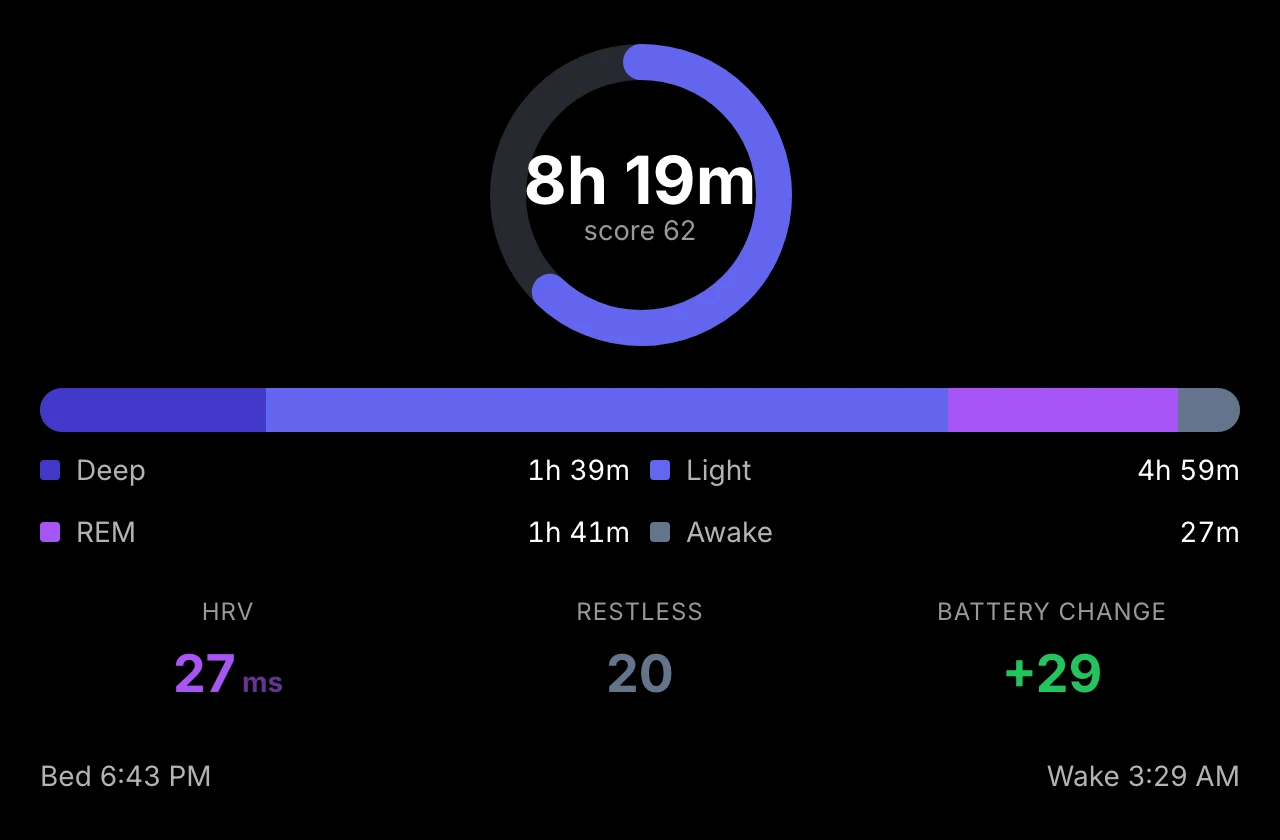
Body Battery, stress, sleep stages, HRV, and resting heart rate — straight from Garmin Connect.
Training views
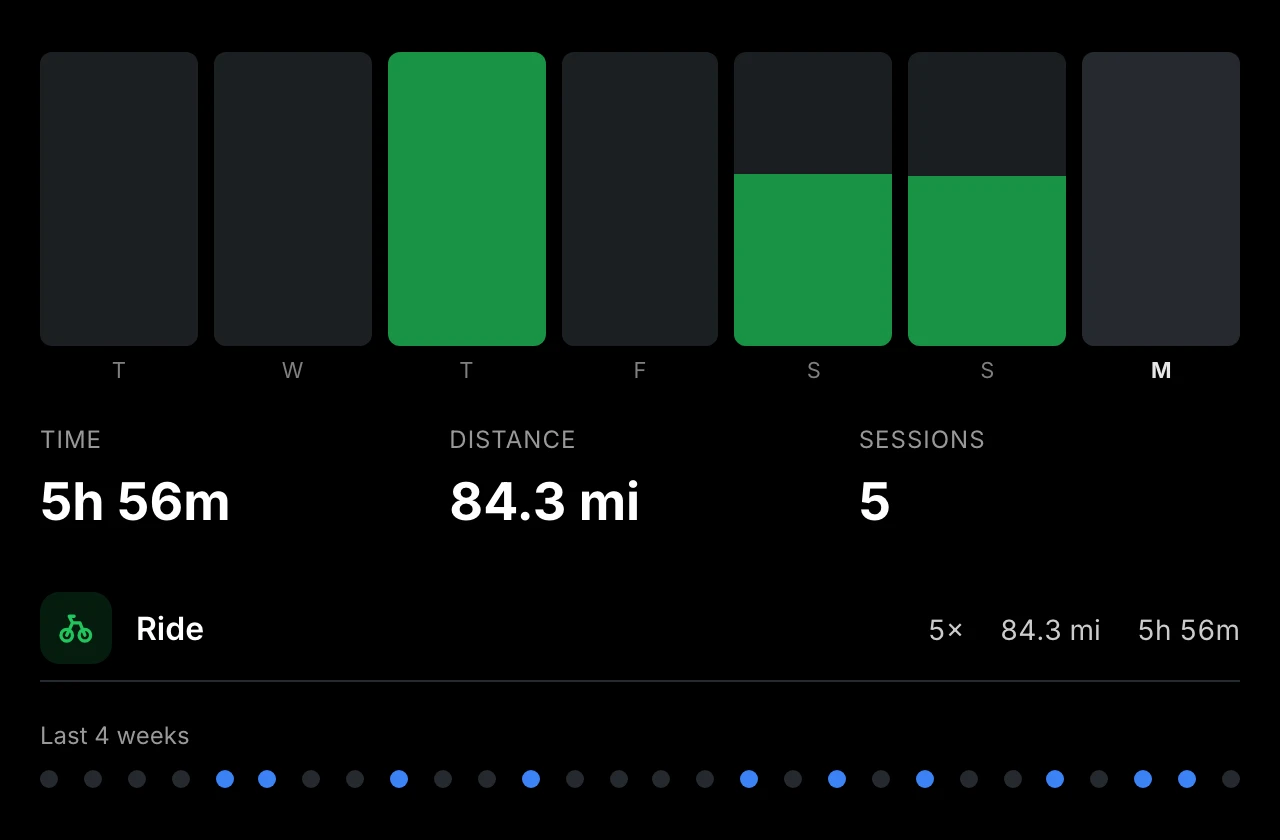
Readiness, training status, weekly volume, race predictions, and personal records.
Talks to other modules
Publishes steps, sleep, and Body Battery as shared state — show a wind-down note when your battery runs low.
A real editor, not a config file
Build your display visually. The editor runs in your browser, talks to the Pi over your local network.
Drag to arrange
Place modules anywhere on a freeform canvas. Pixel-perfect control.
Live preview
See changes in real time. What you build is what gets displayed.
Configure everything
Every module has deep settings. No code required.

Control everything from your phone
No app to install. Open the remote on any device on your network to manage your display, track chores, and plan meals.


Display control
Navigate screens, adjust brightness, sleep/wake the display, switch profiles — all from your phone.
Chore tracking
Family members check off chores from their phone. Progress syncs to the wall display in real time.
Meal planning
Plan meals, browse a recipe library, and manage your weekly menu from the couch.
Start from a template
Pre-built layouts for common setups. Customize from there.
Morning Dashboard
4 modulesStart your day with a personalized greeting, weather forecast, agenda, and commute info.
Family Dashboard
6 modulesA family-friendly dashboard with clock, greeting, weather, chores, calendar, and countdown modules.
Kitchen Display
5 modulesKitchen command center with clock, calendar, weekly meal planner, garbage schedule, and shopping list.
Productivity
4 modulesTask management, calendar, countdowns, and year progress tracking for staying on top of your schedule.
Sports Hub
2 modulesLive sports scoreboards and league standings for the ultimate sports fan display.
News & Finance
3 modulesStay informed with news headlines, stock market tickers, and cryptocurrency prices.
Photo Frame
1 moduleA full-screen digital photo frame with slideshow transitions.
Info Board
5 modulesAn information-rich board with news, stocks, word of the day, historical facts, and quotes.
Minimal Clock
1 moduleA single large clock centered on the display for a clean, minimalist look.
Weather Station
7 modulesComprehensive weather display with current conditions, forecasts, air quality, and rain radar.
Three steps. That's it.
Flash & Boot
Write the image to an SD card, plug it into your Pi, and power on. About ten minutes of hands-on work, a little longer with the download and first boot.
Design
Open the editor from any device on your network. Drag modules, pick a template, or start blank.
Mount
Hang the display on the wall. It runs 24/7, updating in real time. No cloud required.
Free. Open Source. Forever.
No subscriptions, no cloud lock-in, no personal data harvesting. Just a display that works for you.