Strava
Show your Strava life on the wall: recent activities, weekly and yearly stat tiles, goal rings, a 52-week training heatmap, a map of everywhere you go, gear mileage, segment PRs, your Eddington number, and more. Strava Subscription Required: Strava only lets subscribers create the free API app this plugin connects through, so you need an active Strava subscription to set it up.

About
Show your Strava activities on your Home Screens display: recent activities, weekly and yearly stat tiles, goal progress rings, a 52-week training heatmap, a map of everywhere you go, gear mileage, segment PRs, your Eddington number, and more.
Read-only, one athlete, refreshed every 10 minutes.
Before you start
You'll need three things:
- Home Screens 1.8.0 or newer on your hub.
- A Strava account with an active Strava subscription. Strava requires a subscription to create the free API application this plugin connects through. Without a subscription, the connection cannot be set up — this is Strava's rule, not ours.
- Your own Strava API application (free to create, takes two minutes — see below).
Setup
1. Create your Strava API application
- Go to strava.com/settings/api and fill in the form.
- For Authorization Callback Domain, enter the address you use to open the Home Screens editor in your browser — just the name, no
http://and no port. For example:homescreens.local, or192.168.1.50.- Strava allows exactly one callback domain. Always open the editor at that same address when connecting. If you sometimes use the name and sometimes the IP address, pick one and stick with it here.
- After saving you'll see your Client ID and Client Secret. Keep the page open — you'll paste both in a moment.
2. Install and connect
- Install the Strava plugin in Home Screens (Settings → Plugins).
- In the editor, add a Strava module to a screen.
- In the module's settings, paste your Client ID and Client Secret.
- Press Connect. A Strava window opens — sign in and press Authorize.
- Leave "View data about your private activities" ticked. If you untick it, private activities won't appear and your totals will look smaller than expected.
- That's it. Pick a view and style it like any other module.
Your Strava sign-in happens on strava.com — this plugin never sees your password. The access tokens are stored only on your hub, in data/plugin-tokens/strava.json.
Views
| View | Shows |
|---|---|
| Dashboard | Your latest activity, this week's day-by-day bars, and your first goal ring (or week-over-week deltas) |
| Stats tiles | Distance, time, and activity count for this week and this year |
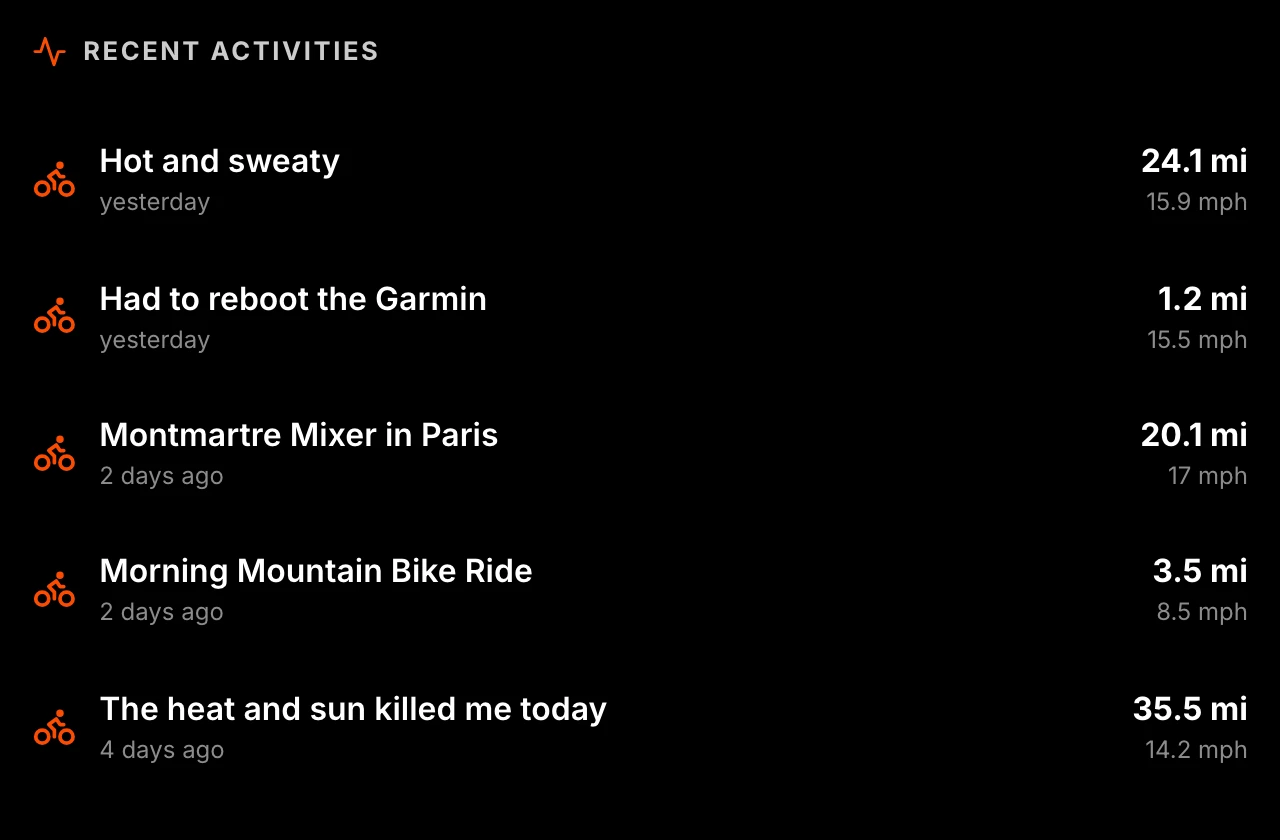
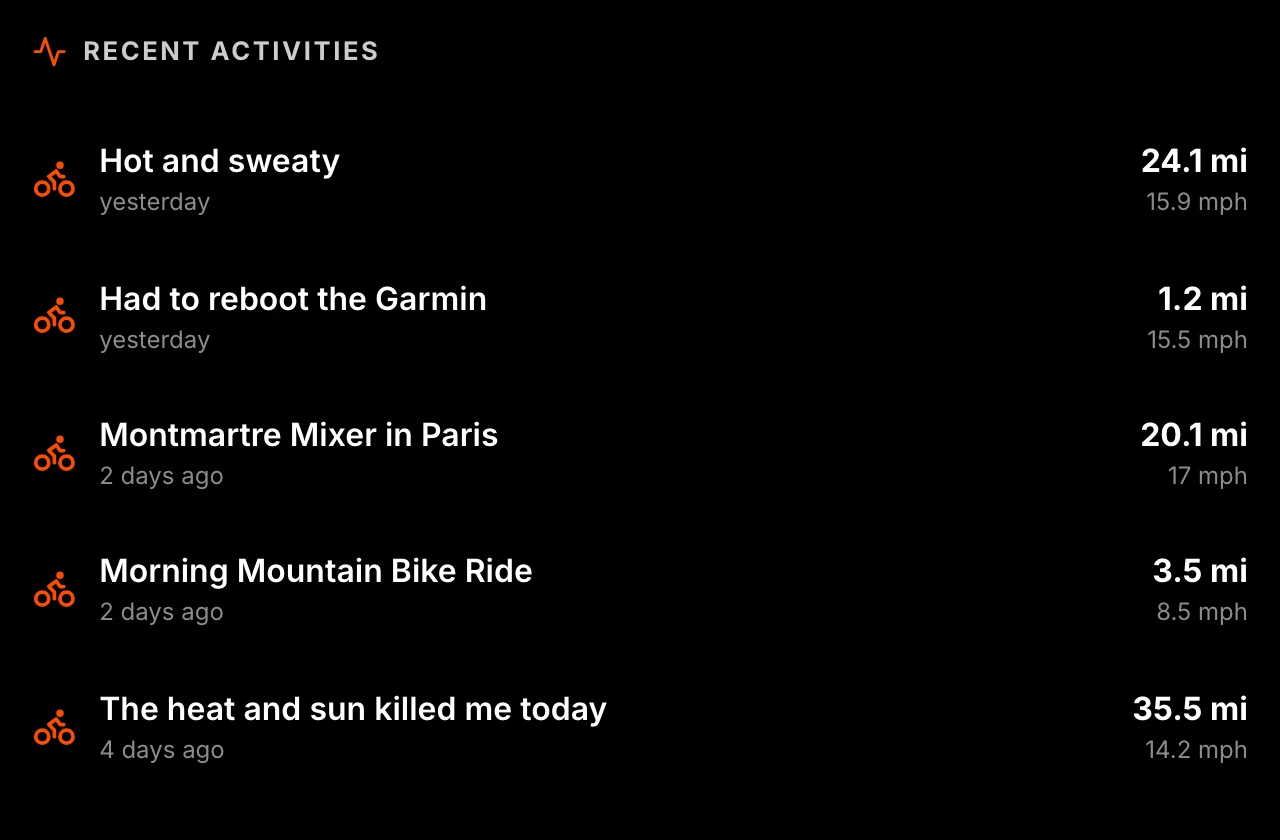
| Recent activities | Your latest 1–10 activities with distance and pace or speed — races get a badge |
| Route gallery | Your recent outdoor routes drawn as line art |
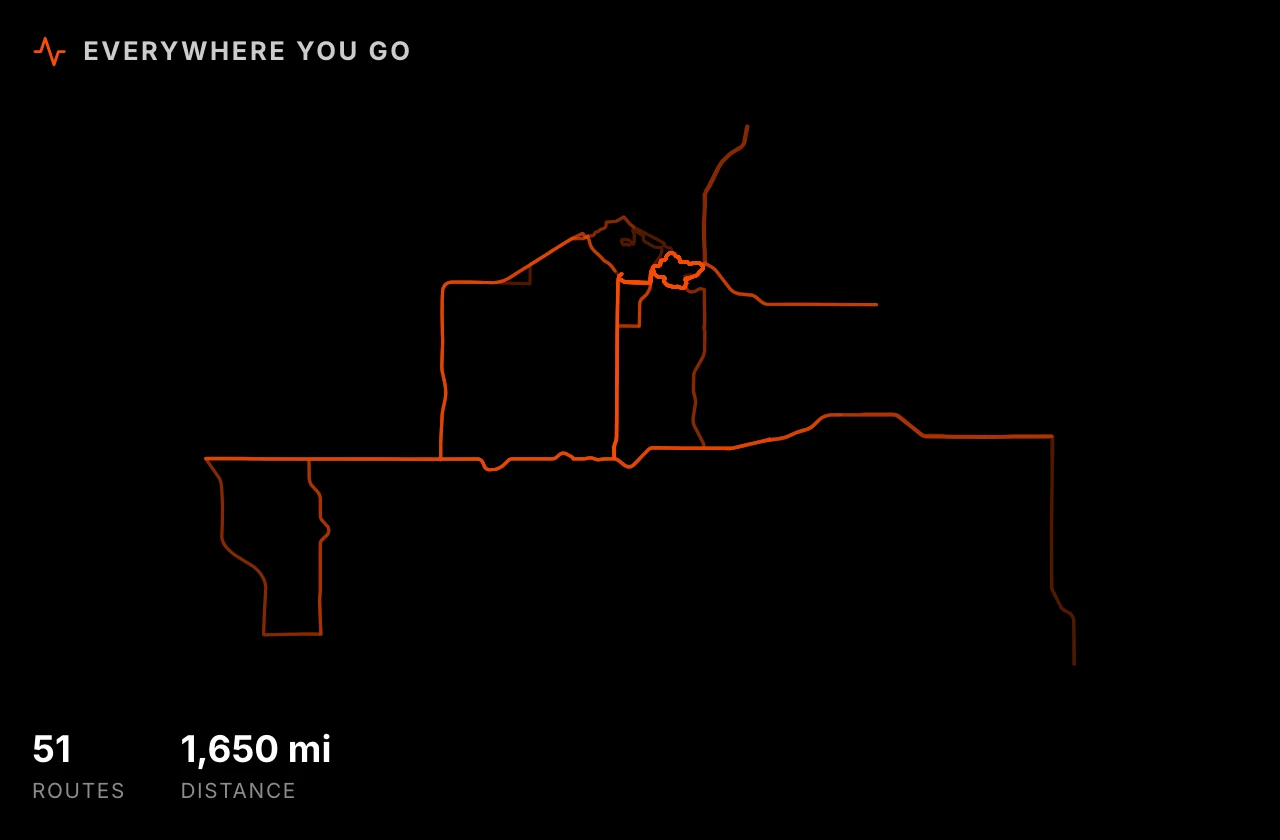
| Route map | Every route from the last year overlaid on one canvas — the places you actually go |
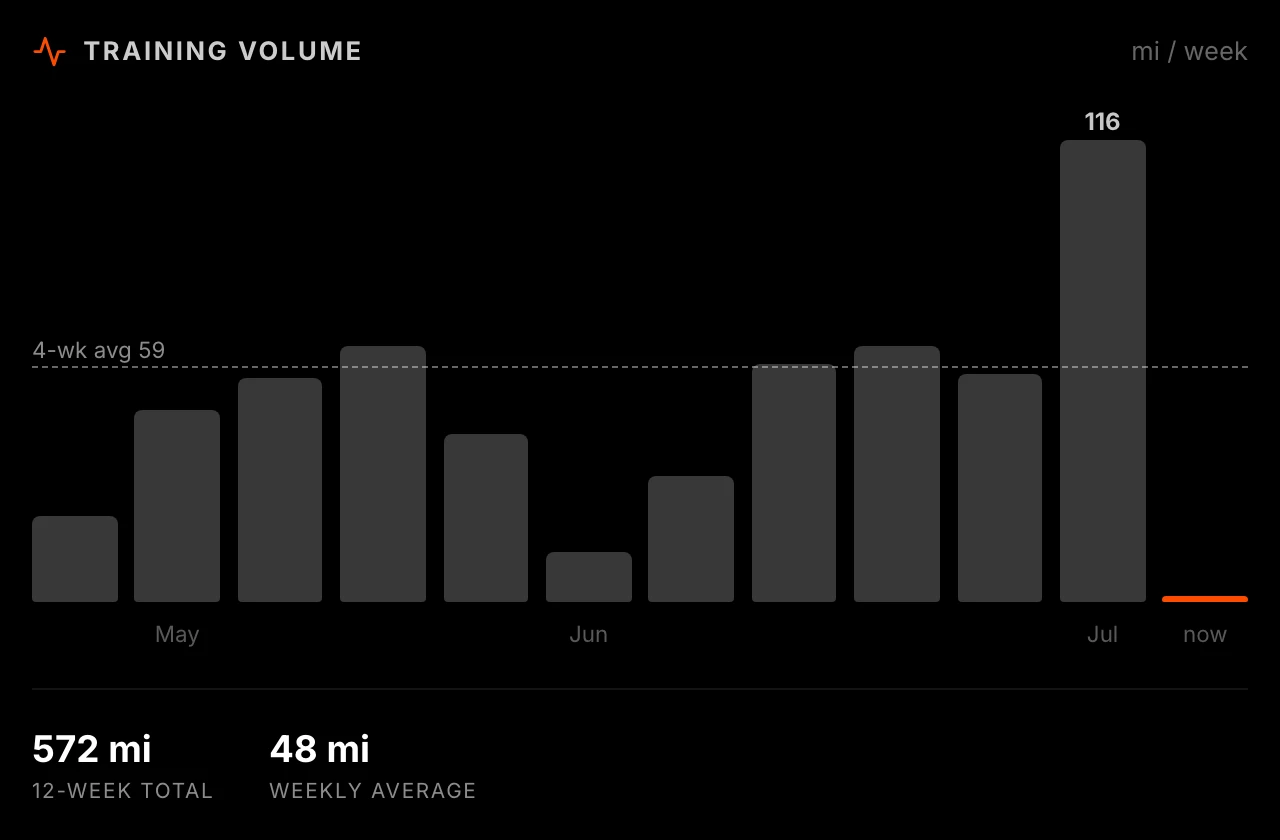
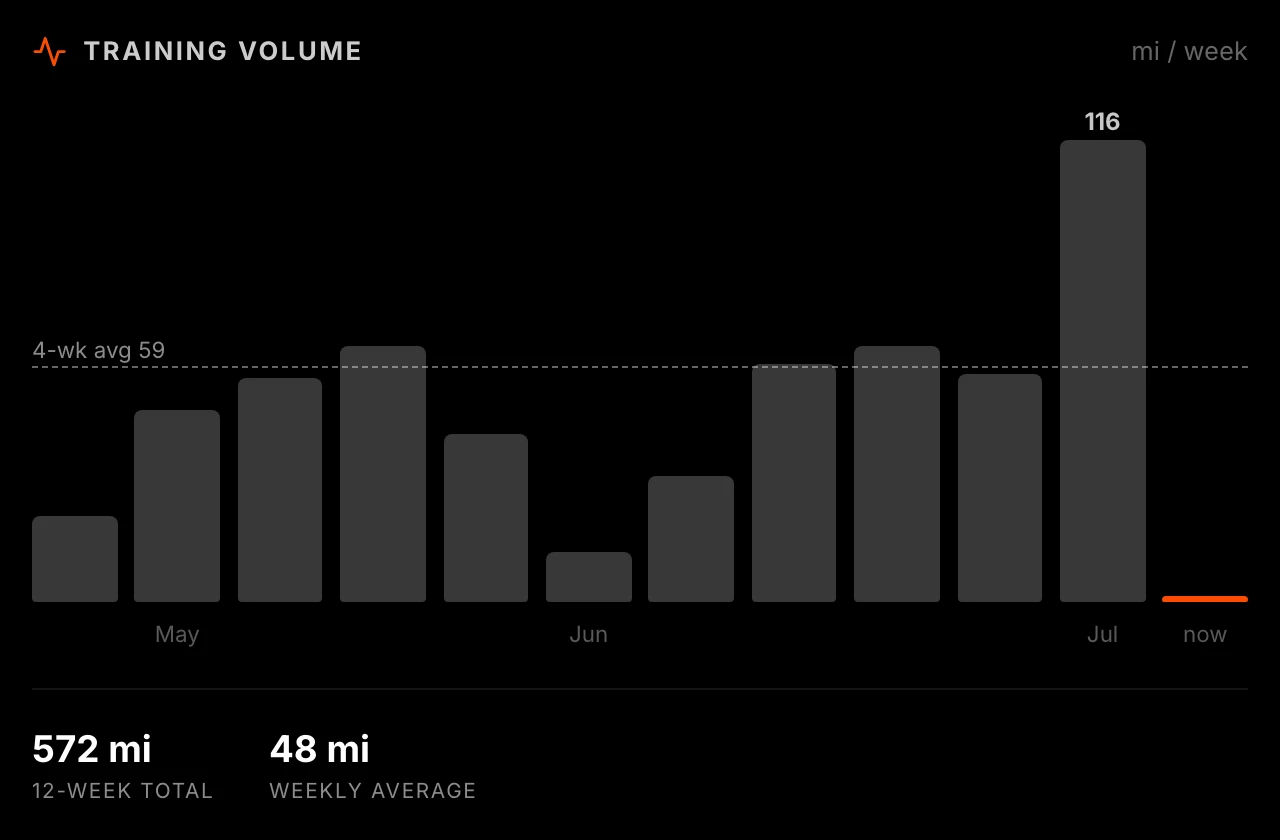
| Training volume | A 12-week bar chart of distance or time with the 4-week average |
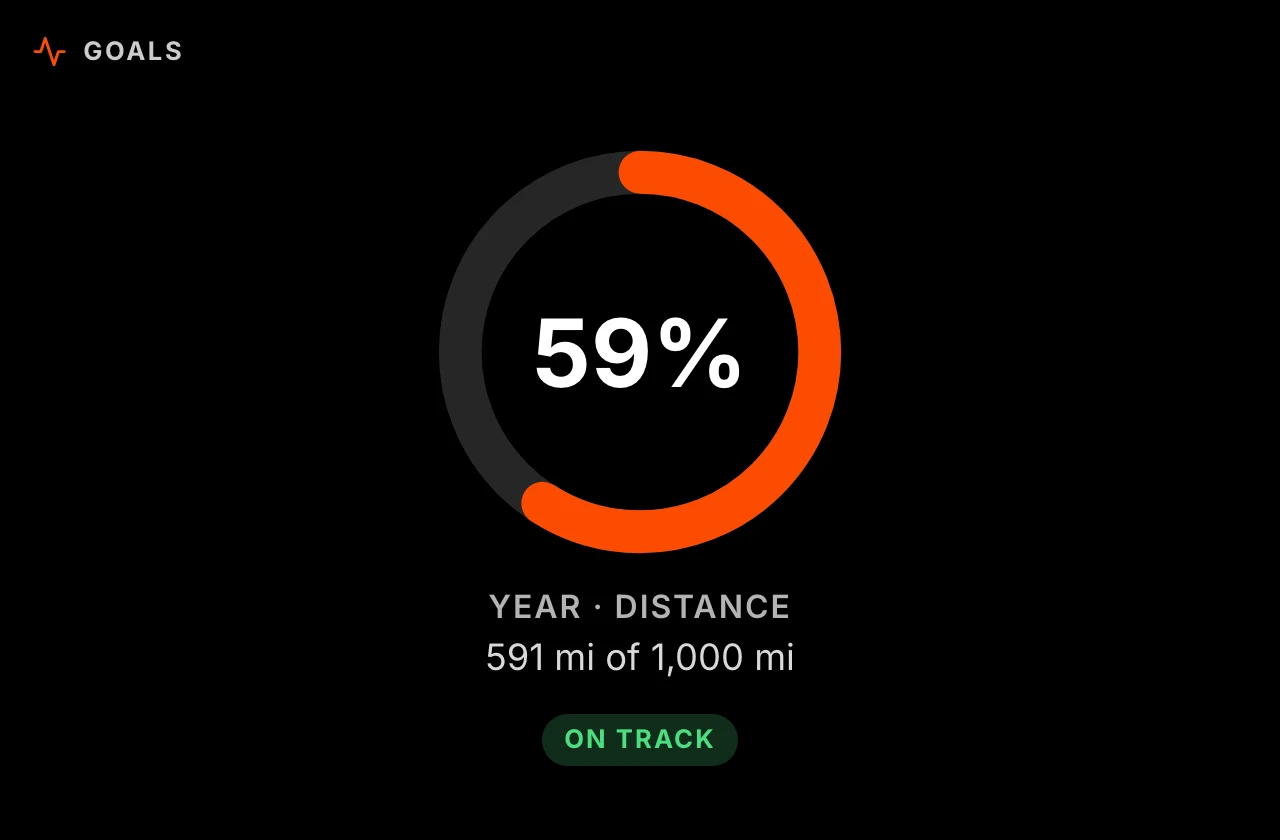
| Goal progress | Progress rings for weekly or yearly distance, time, or climbing goals, with an "On track" check |
| Heatmap | A 52-week grid of your training, like Strava's training log |
| Month calendar | This month as a calendar, colored by training intensity |
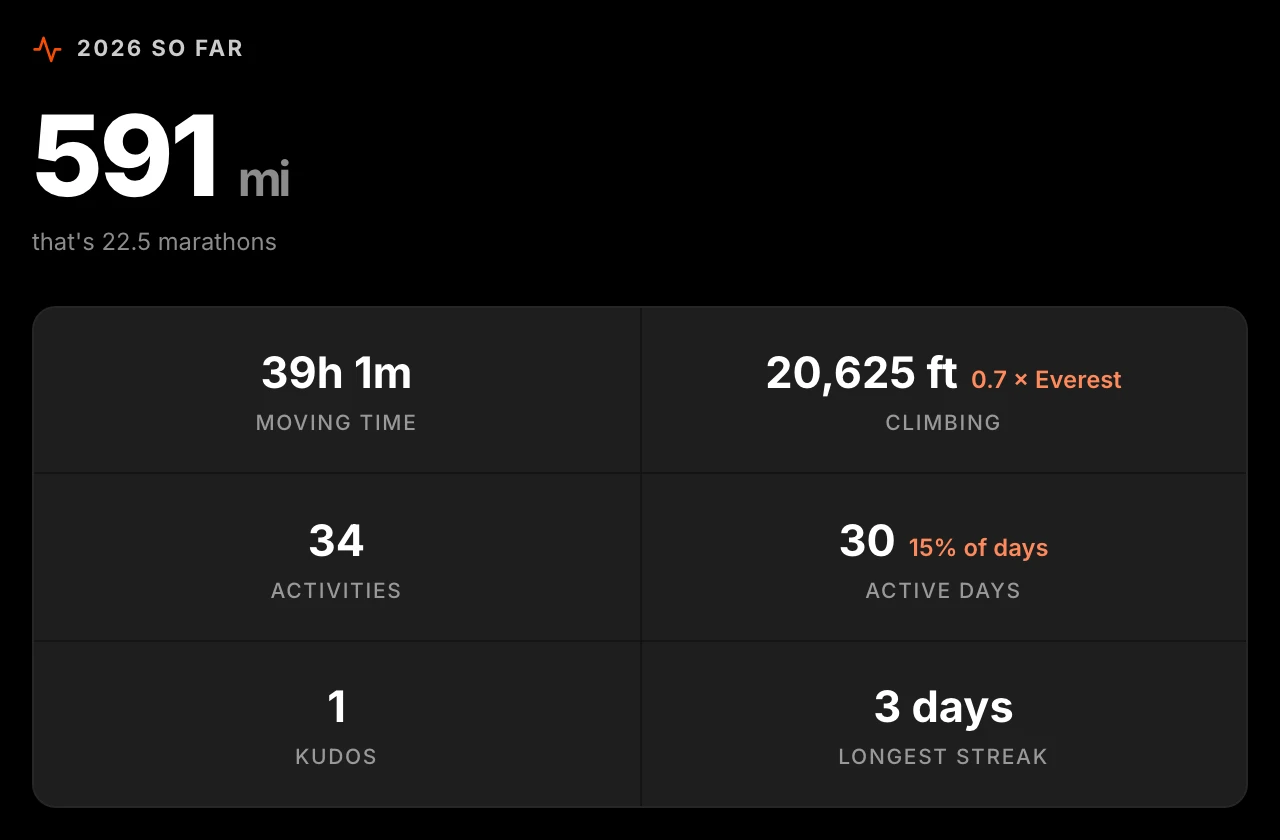
| Year so far | A poster of the year: distance, time, climbing, active days, kudos, longest streak |
| This year vs last | Cumulative distance lines for this year and last, with the to-date difference |
| Fitness trend | Fitness and fatigue lines from your daily training load, with your current form |
| Records | Your bests: longest ride and run, biggest climb, fastest run, top speed — plus Strava's all-time longest ride and biggest climb |
| Eddington number | Your Eddington number (E activities of at least E km or miles) and progress to the next one |
| Training times | When you train: activity counts by weekday and by time of day |
| Segment PRs | Your starred Strava segments with your best time on each |
| Gear | Your bikes and shoes with lifetime mileage bars |
| Planned routes | Routes you saved on Strava, drawn as line art with distance and estimated time |
| Photos | A wall of photos from your recent activities |
| Milestones | Lifetime distance per sport with progress to the next round number |
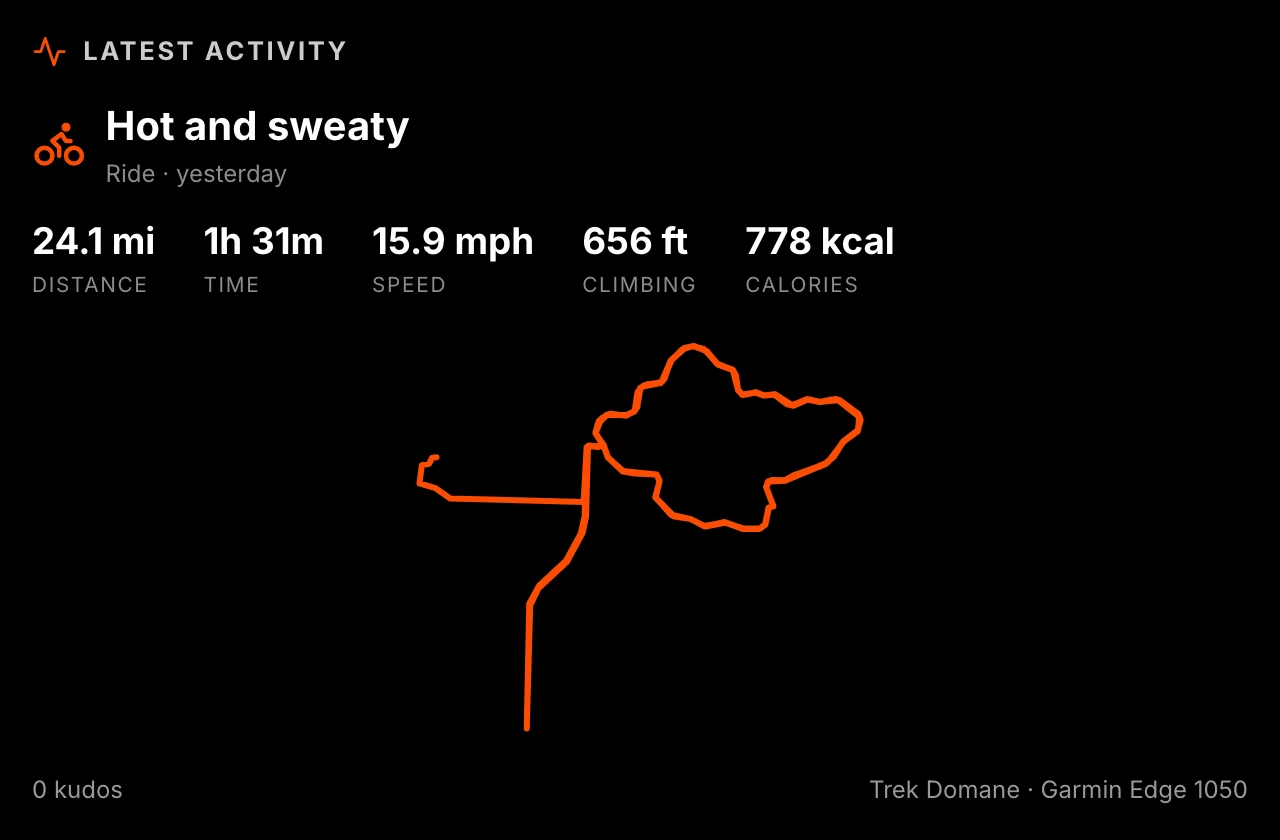
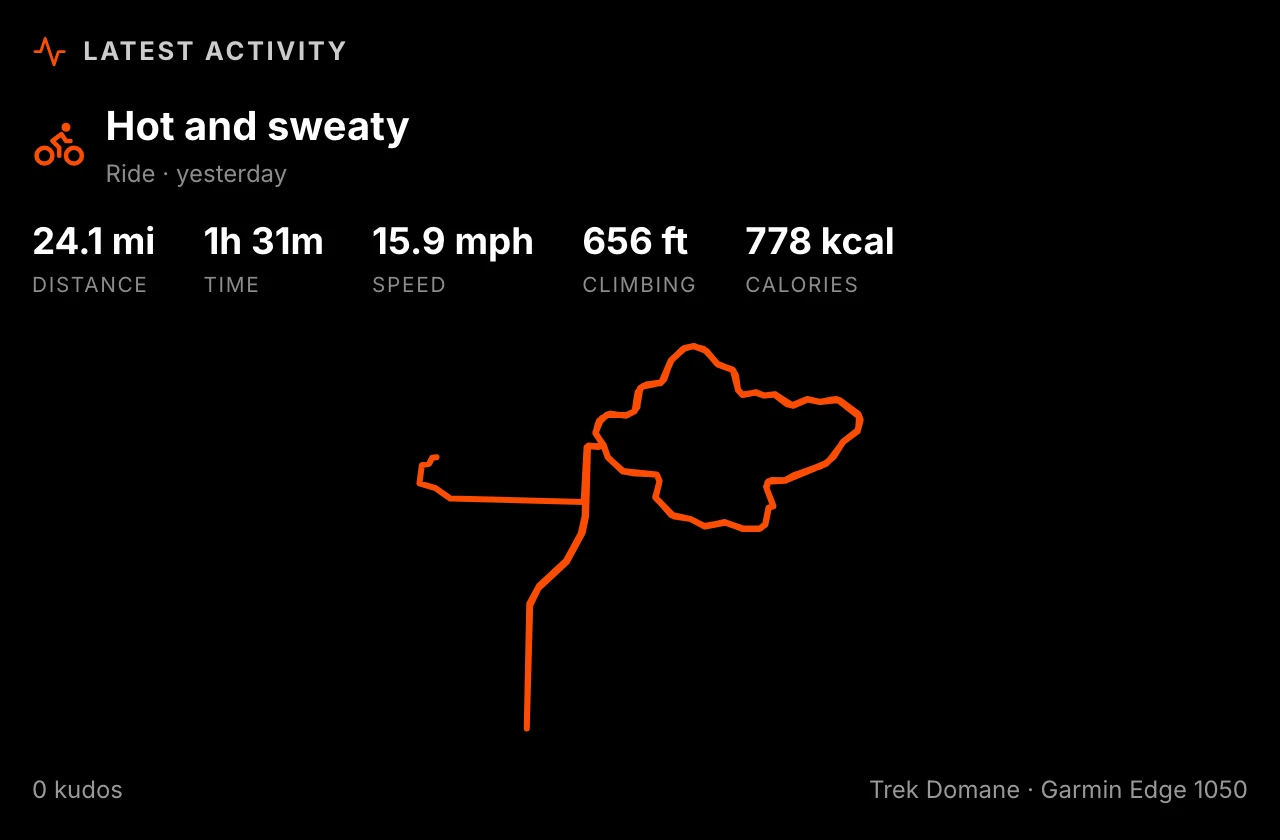
| Latest activity | Your newest activity, big: stats, calories, kudos, PRs, the route map, and its photo |
| Athlete card | Your profile photo, name, followers, and all-time plus this-year ride/run/swim totals |
Screenshots
| Route map | Recent activities |
|---|---|
 |  |
 | 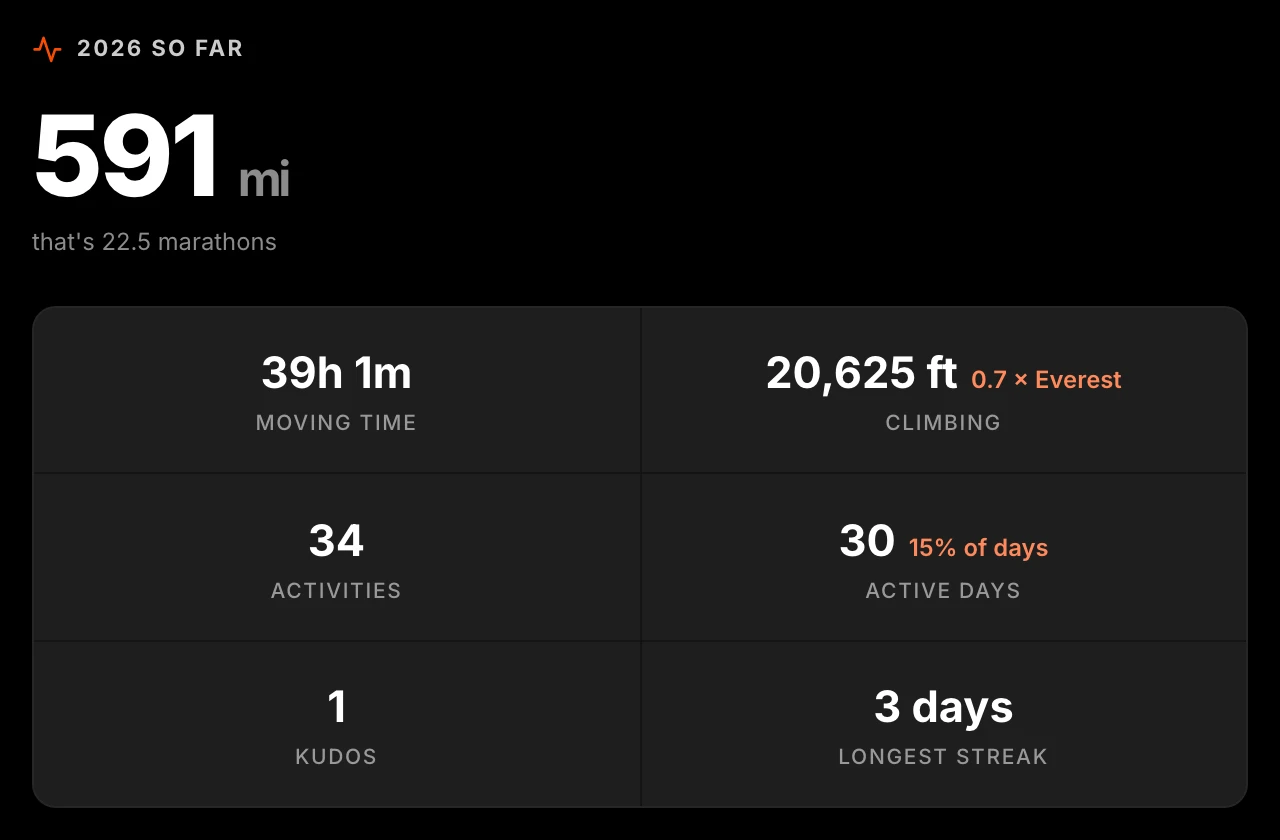 |
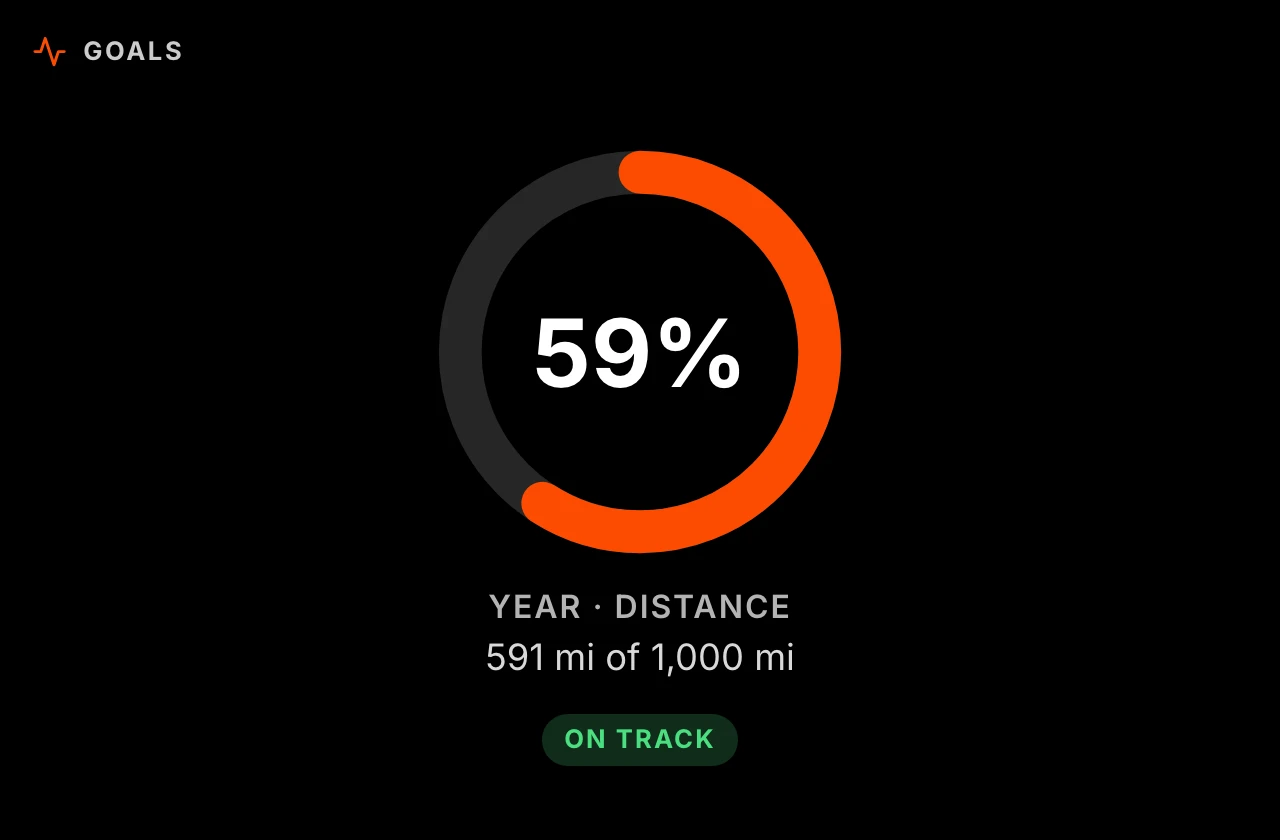 |
Options
| Option | What it does |
|---|---|
| View | Which of the twenty-two views to show |
| Units | Kilometers or miles; "Match display settings" follows your display's units |
| Activity type | Show everything, or only runs, rides, swims, walks, hikes, skiing, or rowing. Picking "Runs" also includes trail runs and virtual runs. |
| Skip commutes | Leave out activities you marked as a commute on Strava |
| Activities shown | How many rows the Recent activities view lists (1–10) |
| Goals | For the Goal progress view: each goal has a measure (distance, time, or climbing), a period (this week or this year), and a target. Targets use natural units: distance in km or miles, time in hours, climbing in meters or feet. |
| Color squares by | What drives the heatmap colors: activity count, distance, or time |
| Show route map | Show or hide the route drawing on the Latest activity view (indoor activities never have one) |
Shared state
The plugin publishes five keys other modules can show or hide themselves based on: plugin:strava:last_activity_type, plugin:strava:last_activity_date, plugin:strava:current_streak, plugin:strava:days_since_last_activity, and plugin:strava:eddington_number. A key starts publishing as soon as any condition or rule references it — you don't need to add a Strava module to the screen, and it keeps publishing even while your Strava module is rotated off-screen. Goal progress and gear mileage aren't published; they depend on settings configured per module instance, which the shared-state bus doesn't have a way to read.
Disconnecting
Press Disconnect in the module settings to remove the saved connection from your hub. To also withdraw the app's access on Strava's side, visit strava.com/settings/apps and revoke it there.
Troubleshooting
"Connect" opens Strava but comes back with an error. The address in your browser doesn't match the Authorization Callback Domain of your Strava API app. Open the editor at the exact address you registered (name vs IP address matters), or update the domain at strava.com/settings/api.
Private activities are missing, or totals look too small. The "View data about your private activities" permission was unticked when you connected. Disconnect, press Connect again, and leave all the boxes ticked.
Everything worked and then stopped. If you regenerated your Client Secret on Strava, update it in the module settings and reconnect. Otherwise, check that your hub can reach strava.com.
For developers
npm install
npm test          # vitest unit tests
npm run build     # produces dist/bundle.js
npm run dev       # rebuild on change + serve on http://localhost:5173 for dev-mode loading
Load it into a running Home Screens editor via the Developer section of the plugin settings, pointing at http://localhost:5173.
Notes:
- Data flows through the Home Screens plugin proxy, which injects and refreshes the OAuth token server-side; this bundle contains no auth code and never sees the client secret.
- Strava is migrating its API host to
www.api-v3.strava.com(mandatory June 1, 2027). Both hosts are already allowlisted in the manifest; the switch is the singleAPI_BASEconstant insrc/api.ts. - Activity data covers the last ~366 days (up to 600 activities), which is what the heatmap and yearly stats need. The "This year vs last" view fetches two years (up to 1,200) so last year's full line can be drawn.
License
MIT