JSON Data Block
Fetch any JSON API and display it beautifully — single values, lists, tables, card grids, or status boards with per-field formatting and conditional rules.
About
A plugin for Home Screens — the open-source smart display system for Raspberry Pi — that fetches any JSON API and displays it as single values, key-value lists, tables, card grids, or status boards with per-field formatting and conditional rules.
Features
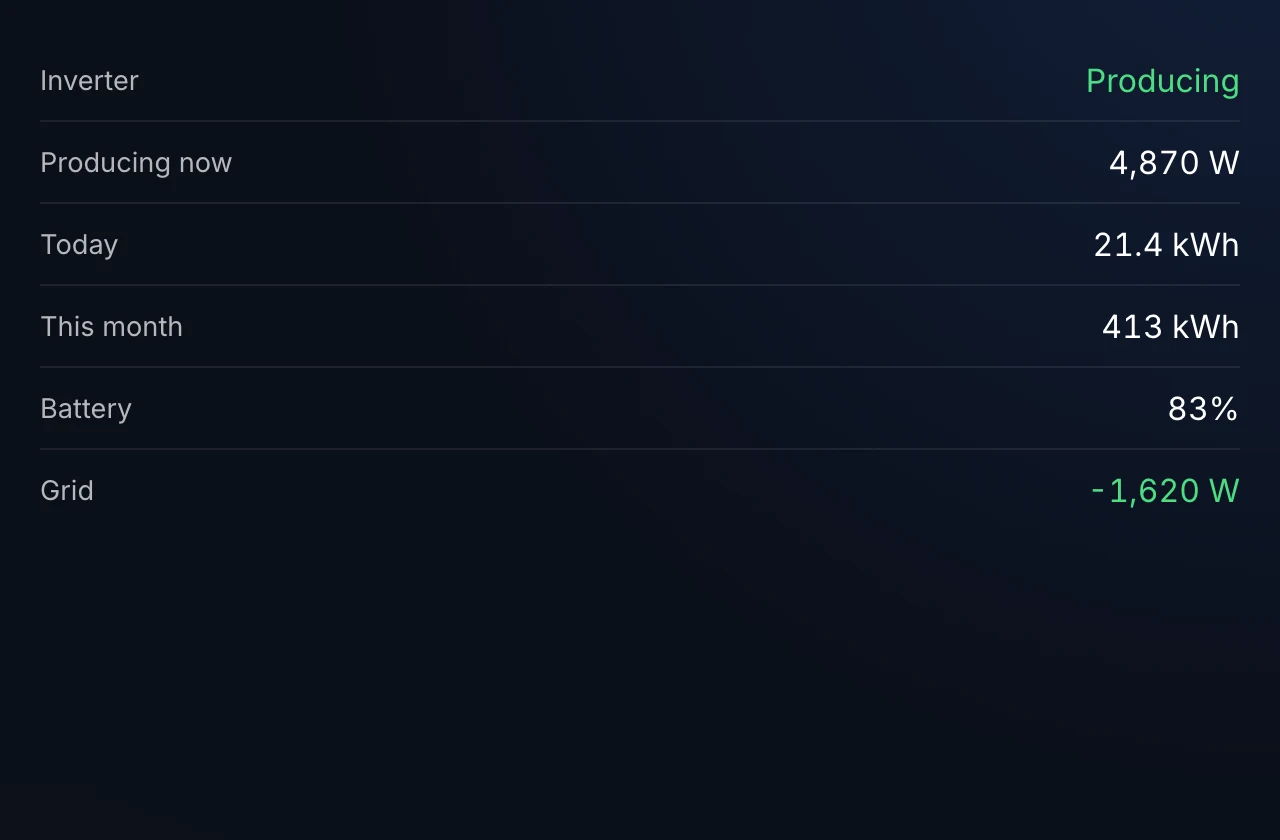
- 5 display modes: Single Value, Key-Value List, Table, Card Grid, Status Board
- Any JSON endpoint: GET / POST / PUT / PATCH with custom headers and body
- Auth support: Bearer token, API key header, API key query param, or HTTP Basic — credentials stored server-side via the Home Screens secrets proxy
- Per-field formatting: number precision, units, date formatting, template strings
- Conditional rules: drive colors, icons, and visibility from field values (e.g. red when status != "OK")
- Nested path selection: pull deeply-nested fields with dotted paths
- Configurable refresh + cache: independent client poll interval and server-side cache TTL
- Stale-data indicator when a fetch fails and cached data is being served
Screenshots
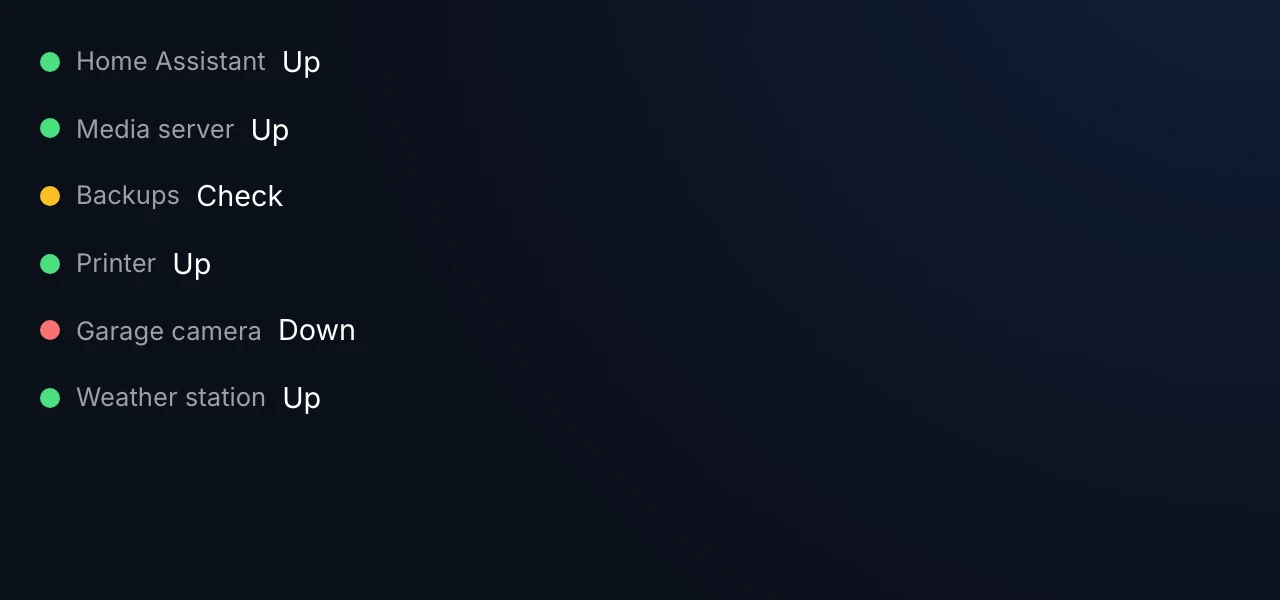
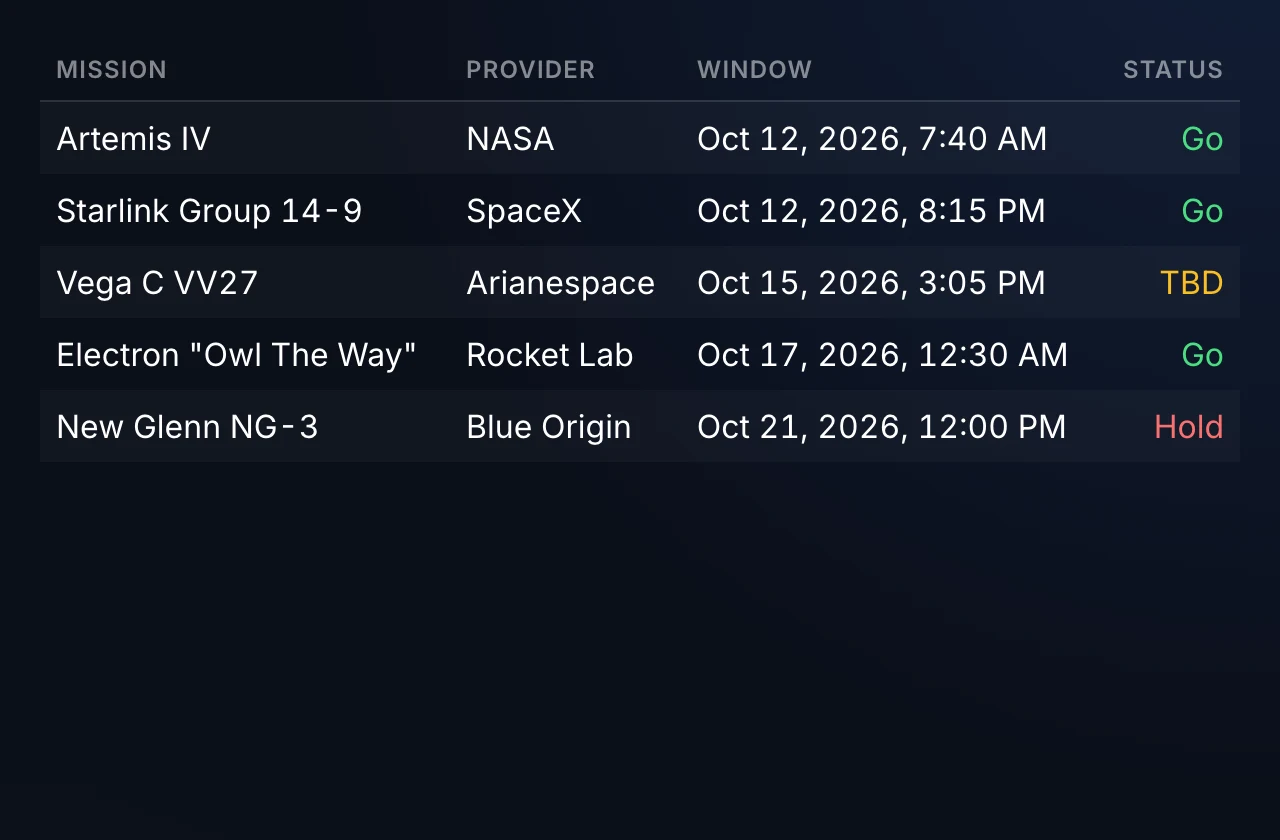
| Status board | Table |
|---|---|
 |  |
Installation
Install this plugin from the Plugin Store inside the Home Screens editor, or download a release tarball from the Releases page and side-load it.
For general Home Screens setup, see the documentation.
Configuration
JSON Data Block ships a custom configuration panel in the Home Screens editor that guides you through:
- Endpoint — URL, HTTP method, custom headers, request body
- Authentication — none / bearer / API key (header or query) / basic
- Display mode — pick one of the five modes and configure fields, columns, or status tiles
- Formatting rules — per-field number/date/template formatting and conditional styling
- Refresh & cache — client poll interval and server-side cache TTL
Because the plugin is generic, there are too many options for a flat table here — the in-editor panel is the source of truth.
Permissions
This plugin declares network and secrets permissions and uses wildcard (*) allowed domains so you can point it at any JSON API. Credentials you enter under Authentication are stored server-side and never exposed to the browser.
Building
npm install
npm run build   # Produces dist/bundle.js
npm run dev     # Watch + serve on localhost:5173 for dev-mode loading
See the plugin template README for details on the plugin SDK, manifest format, and development workflow.
License
MIT